
Description
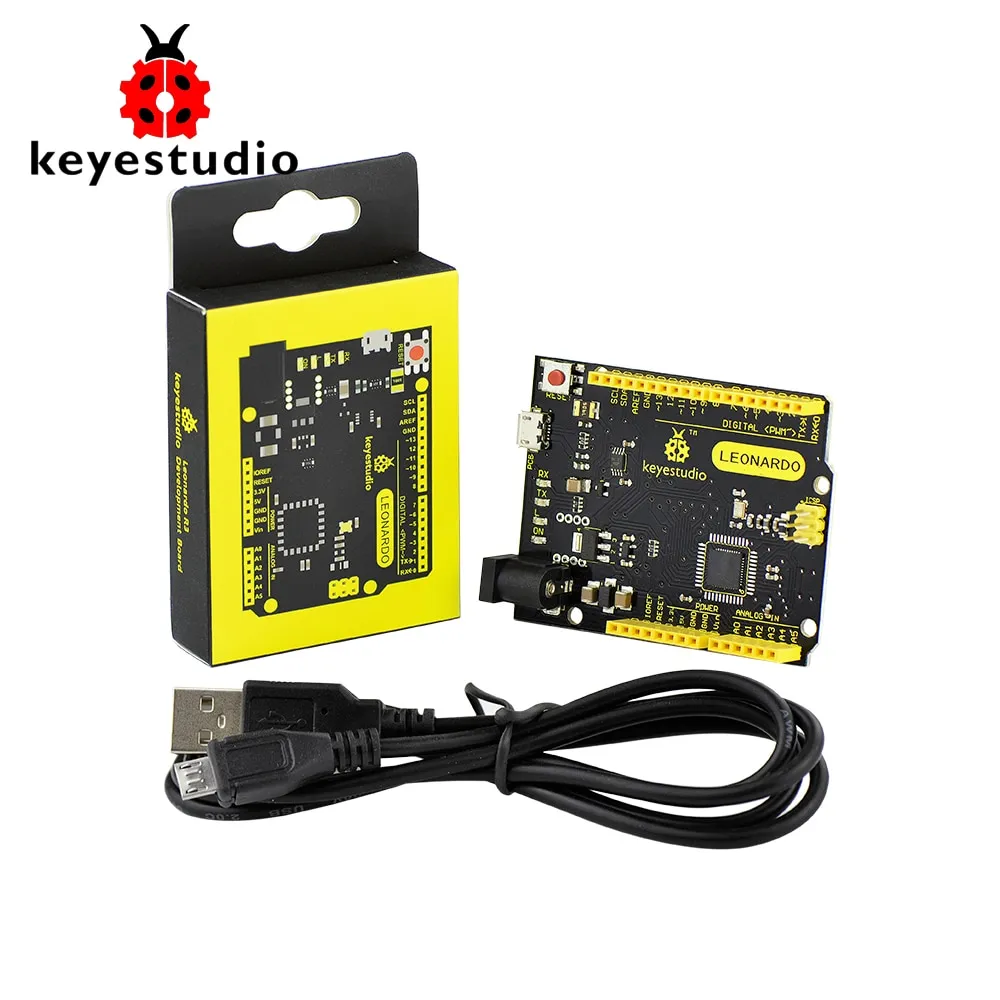
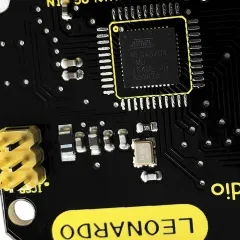
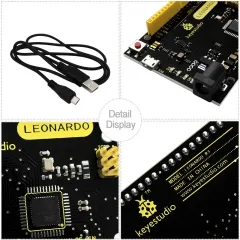
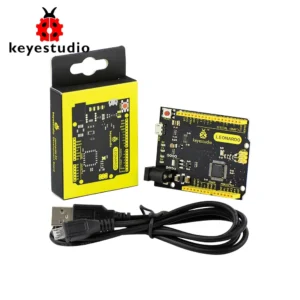
KEYESTUDIO ATmega32U4 leonardo R3 development board +1M Micro USB Cable For DIY Project
Keyestudio Leonardo (ATmega32u4) – Key Features
- ✔ Based on ATmega32u4 microcontroller for reliable performance
- ✔ Open-source hardware – easy to use and customize
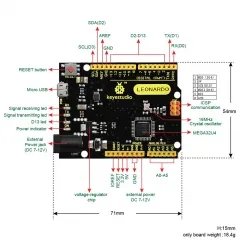
- ✔ 20 Digital I/O Pins (7 PWM outputs supported)
- ✔ 12 Analog Input Pins for sensor integration
- ✔ Built-in 16 MHz crystal oscillator for stable operation
- ✔ Micro USB connection for programming and power
- ✔ Supports USB communication (no external USB-Serial chip required)
- ✔ Can act as keyboard or mouse device when connected to a computer
- ✔ ICSP header for firmware programming and SPI communication
- ✔ Flexible power options:
- Micro USB
- DC Power Jack (7–12V)
- Vin/GND pins (7–12V)
- ✔ Includes reset button for easy control
- ✔ Fully compatible with Arduino IDE environment
- ✔ Ideal for DIY electronics, robotics, and IoT projects
Highlight Advantage
Unlike other boards, the built-in USB capability allows the Keyestudio Leonardo to directly emulate human interface devices like a keyboard or mouse—perfect for advanced interactive projects.
user –
I recently purchased the Keyestudio Leonardo board, and I’m genuinely impressed with its performance and ease of use. The setup was straightforward—just plug it into my computer via USB, and it was ready to go with the Arduino IDE. What really stands out is the built-in USB communication. Unlike other boards, this one can act as a keyboard or mouse, which made my projects much more interactive and fun.
The board feels well-built and reliable. With plenty of digital and analog pins, I was able to connect multiple sensors and components without any issues. The power options are also flexible, which is great for different project setups.
Overall, it’s an excellent choice for beginners as well as advanced users working on DIY electronics, robotics, or IoT projects. Great value for money—I would definitely recommend it!